Someone Stole My Number, Not My Phone: A SIM-Swap Lockdown Guide
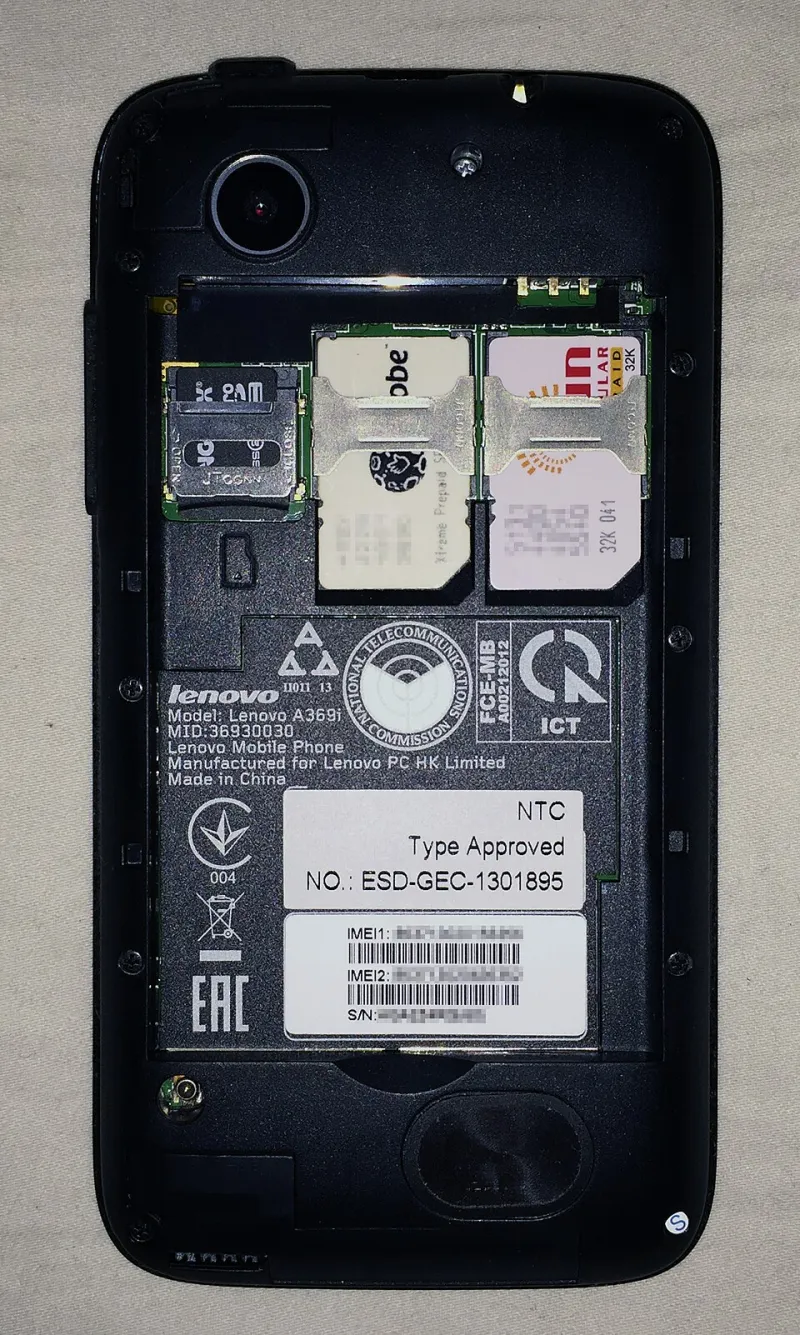
Photo: Blakegripling ph, CC0, via Wikimedia Commons
You can de-Google your phone, flash an open-source ROM, strip out the tracking, and still get wrecked by a five-minute phone call to your carrier. That's the uncomfortable truth about SIM-swap attacks. The phone in your hand is secure. The account behind the SIM is the weak link.
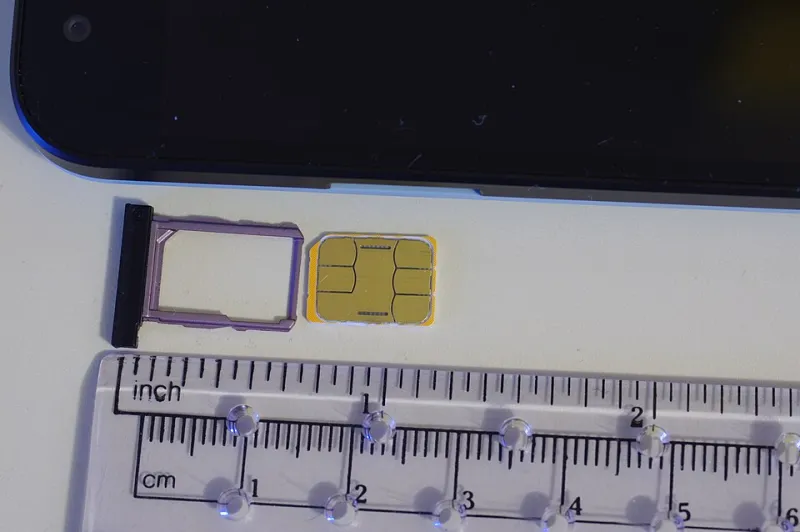
A SIM swap happens when someone convinces your carrier to move your phone number to a new SIM card or eSIM. Once that happens, your calls and texts go to the attacker. If your bank, email, and social accounts use SMS for recovery, the attacker can start resetting passwords. Your open-source phone doesn't matter at that point. The number is the skeleton key.
How the scam actually works
Most SIM swaps are social engineering, not hacking. The attacker calls your carrier, pretends to be you, and asks to activate a new SIM or eSIM. They may have your name, address, and some account details from a data breach. They may use caller ID spoofing. They may sound friendly and rushed. The carrier representative wants to help, and the next thing you know, your phone loses service.
Sometimes you get a warning: a text saying your SIM is being activated, or a sudden “no service” message. Sometimes you don't. By the time you notice, the attacker may already be resetting your email password and locking you out.
Lock the carrier account first
The first step is to make your carrier account harder to social-engineer. Ask for a port-out lock, port freeze, or number lock. The names vary by carrier. AT&T, Verizon, and T-Mobile all offer some form of extra security or account takeover protection, but you often have to ask for it. Set a carrier PIN or passcode that is not your birthday, not your ZIP code, and not the last four digits of your Social Security number. Use a random PIN and store it in a password manager.
Turn on account alerts. You want a text or email when someone tries to change your plan, add a line, or port your number. If your carrier supports it, require in-store verification or a separate security code for SIM changes. Ask specifically: “What do you require before you will move my number to a new SIM?” If the answer is “your name and address,” that's a problem.
Stop using SMS as a skeleton key
Even with a locked carrier account, SMS is a weak second factor. It can be intercepted, and it can be stolen through a SIM swap. Wherever possible, move your important accounts to an authenticator app or a hardware security key. Use recovery codes and store them offline. Make sure your email account has strong two-factor authentication that doesn't depend on your phone number.
This is especially important for the accounts you use to recover everything else: email, password manager, banking, and your carrier account. If an attacker gets your number and your email, they can often get everything else. If they get your number but not your email, you still have a chance.
What to do in the first hour of a swap
If your phone suddenly loses service and you didn't ask for a SIM change, act fast. Call your carrier from another phone. Tell them you suspect a SIM swap and ask them to freeze the line and restore your number. Change your email password immediately, then your banking password, then your password manager. Check for password reset emails and unfamiliar login alerts. Contact your bank and ask them to flag unusual activity.
File a report with the FTC at IdentityTheft.gov. File a police report if your carrier or bank asks for one. Contact your carrier's fraud department, not just customer service. Keep records of every call, representative name, and reference number. If the attacker opened new accounts in your name, put a freeze on your credit with the major bureaus.
Build a recovery plan that doesn't run through your number
Your recovery plan should work even if your phone number is gone. That means a backup email address you can access from a different device, recovery codes printed or stored in a safe, and a hardware security key for your most important accounts. It also means knowing your carrier account PIN and having a second contact method on file that isn't your mobile number.
If you use an open-source phone, this is part of the same privacy project. You're already thinking about who has access to your data. The carrier account is part of that picture. A de-Googled phone with a weakly protected carrier line is like a locked door with a spare key under the mat.
A note on MVNOs and eSIM
MVNOs can be great for price and flexibility, but their customer security can be uneven. Ask what protections they offer before you port your number. Some smaller carriers have limited fraud tools. eSIM adds convenience, but it also makes remote SIM provisioning easier. That's not automatically bad, but it means your carrier account security matters even more. If someone can provision an eSIM in your name, they don't need to steal a plastic card.
The bottom line
A SIM swap is not a phone hack. It's an identity attack that uses your carrier as the entry point. The fix is boring: strong carrier PINs, port-out locks, account alerts, authenticator apps, hardware keys, and a recovery plan that doesn't depend on a text message. Do it today. The five minutes you spend locking down your carrier account is a lot cheaper than the week you'll spend cleaning up after someone steals your number.