They Took Away the Keys: How Open-Source Mobile Is Handing Them Back
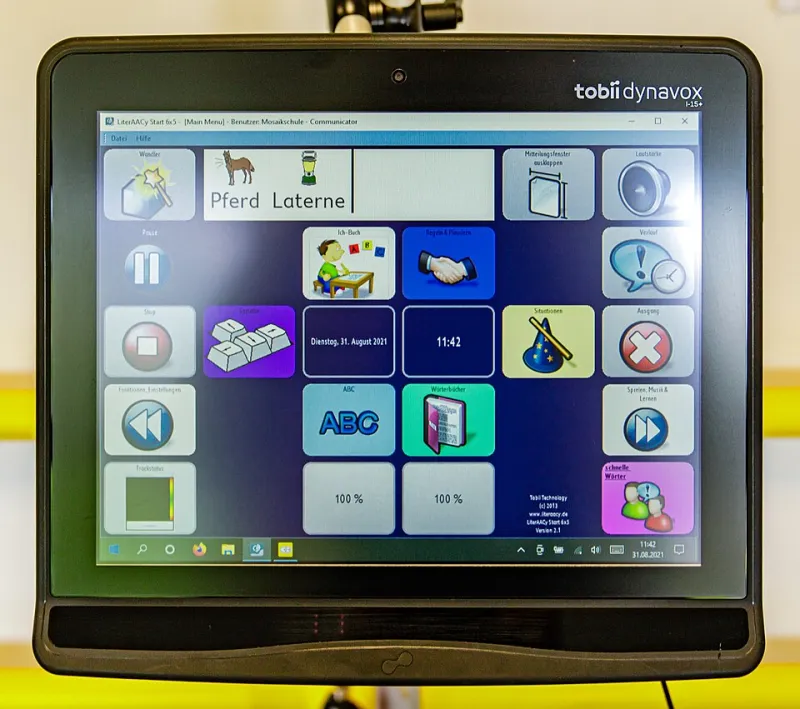
Photo: Friedrich Haag, CC BY-SA 4.0, via Wikimedia Commons
There's a particular kind of frustration that sneaks up on you slowly. You don't notice it the first time an update removes a setting you relied on. You barely register it when a "streamlined" redesign buries a toggle three menus deep — or just deletes it outright. But eventually you sit down and try to do something simple, like set a third-party app as your default browser without jumping through four confirmation screens, and it hits you: when did my phone stop being mine?
The answer, if you trace the timeline, is somewhere around 2011. That's roughly when the major platforms — Apple first, Google close behind — began making a very deliberate trade. They swapped user control for user convenience, dressed the whole thing up as "clean design" and "intuitive experience," and spent the next decade quietly locking doors that used to be wide open.
Open-source mobile software, including projects built on the philosophies that power QtMoko, has been prying those doors back open. And the features returning from the dead are a pretty damning inventory of what got taken.
The Home Screen Used to Be a Canvas
Cast your mind back to the Android of 2009 or 2010. You could resize widgets to the pixel. You could set live wallpapers that responded to touch. You could replace the entire launcher — not just the icon pack, the whole shell — with something that worked the way your brain worked. HTC Sense, LauncherPro, ADW Launcher: these weren't just cosmetic choices, they were fundamentally different interaction models.
Modern Android still technically allows launcher replacement, but Google has spent years making it progressively more painful. Pixel devices push Google Discover so aggressively that third-party launchers lose features. Notification badges, At a Glance widgets, and certain gesture controls are increasingly tethered to the stock launcher. iOS, of course, didn't allow alternative launchers at all until iOS 14 — and even then, the "change" was largely cosmetic theater.
On open-source platforms, the launcher is the user's domain. QtMoko community members regularly share configs where the home screen behaves more like a tiling window manager than a grid of icons — because for some people, that's genuinely more efficient. Nobody's optimizing the experience for an ad-click funnel. The screen serves whoever holds the phone.
Notifications: From Tool to Interruption Engine
Here's one that doesn't get talked about enough. Early Android had a notification system that was, by modern standards, almost shockingly respectful of your attention. Notifications showed up, you dealt with them or you didn't, and the phone stayed quiet otherwise.
What we have now is different. iOS and Android both run notification systems that have been quietly engineered to serve app developers and platform ecosystems as much as users. Aggressive re-permission prompts. "Critical alerts" that bypass Do Not Disturb. Notification channels that developers can manipulate to sneak past your preferences. Apple's Focus modes are genuinely useful, but they're also extraordinarily complex for what should be a simple problem: let me decide what interrupts me and when.
Open-source mobile environments handle this differently. Granular notification rules — silence everything from this app except direct messages, but only between these hours, and never on weekends — are table stakes, not premium features. Marcus, a software developer in Austin who moved to an open-source daily driver about eighteen months ago, put it plainly: "I spent probably two hours setting up exactly how I wanted notifications to work, and then I never had to touch it again. On my old Android phone, every major update would quietly reset something and I'd spend a week wondering why I was getting buzzed at 2 a.m. again."
Default Apps: The Illusion of Choice
Both Apple and Google will tell you that you can choose your default apps. And technically, you can — within limits that get tighter every year.
Apple didn't allow default browser or email app changes until iOS 14, and even now, certain system behaviors (tap a phone number in Safari, for example) still route through Apple's own apps in ways that aren't fully overridable. Google has faced antitrust scrutiny in the EU specifically because Android's "choice" of default apps comes with pre-installation requirements and revenue-sharing agreements that effectively make the choice for you before you even power the phone on.
On open-source platforms, "default app" means what it says. You want a different dialer? Install it, set it, done — no confirmation dialog asking if you're really sure, no banner suggesting you switch back to the manufacturer's option. Priya, a privacy researcher in Seattle who contributes to several open-source mobile projects, described it as "the difference between renting an apartment and owning a house. On a proprietary platform, you're always living by someone else's rules about what you're allowed to nail to the walls."
System-Level Behavior: The Stuff Nobody Talks About
This is where it gets genuinely nerdy, and also where the gap between open and closed platforms becomes most stark.
Want to automate a task that involves system-level access — say, automatically switching network profiles based on location, or triggering a full backup whenever you connect to a specific Wi-Fi network? On iOS, you're working within the tight constraints of Shortcuts, which Apple controls and has historically sandboxed heavily. On Android, Tasker and similar apps can do impressive things, but Google has gradually restricted background process access in ways that break automation workflows with nearly every major OS update.
On open-source mobile systems, this kind of automation is a first-class feature, not a workaround. The system doesn't assume it knows better than you about when processes should run or what they should be allowed to touch. That's not a small thing. For a certain kind of user — and that population is larger than Silicon Valley wants to admit — it's the entire ballgame.
Why It Was Taken Away
It's worth being clear-eyed about the why here, because it wasn't purely malicious and it wasn't purely accidental. Some simplification genuinely helped people. A lot of early Android customization was chaotic, and iOS's consistency made smartphones accessible to people who'd been intimidated by computers.
But the trajectory has gone well past "making things accessible." The restrictions that exist today serve platform lock-in, ad-targeting infrastructure, and app store revenue models more than they serve users. That's not a conspiracy theory — it's the business model, stated plainly in earnings calls and regulatory filings.
Open-source mobile development operates outside that incentive structure. There's no quarterly revenue target that benefits from making you slightly more dependent on a default app. The code exists to serve whoever runs it.
Getting the Keys Back
None of this means the open-source path is frictionless. It isn't. The learning curve is real, the app ecosystem requires some adjustment, and you'll probably spend a weekend getting things configured the way you want them.
But that weekend? You'll spend it making a phone that actually works the way you work. Not the way a product team in Cupertino or Mountain View decided you should work, based on what maximizes engagement with their ecosystem.
That's the thing about customization that big tech killed and open-source is bringing back. It was never really about widgets and icon packs. It was about who the phone is for.
Spoiler: it's supposed to be for you.